
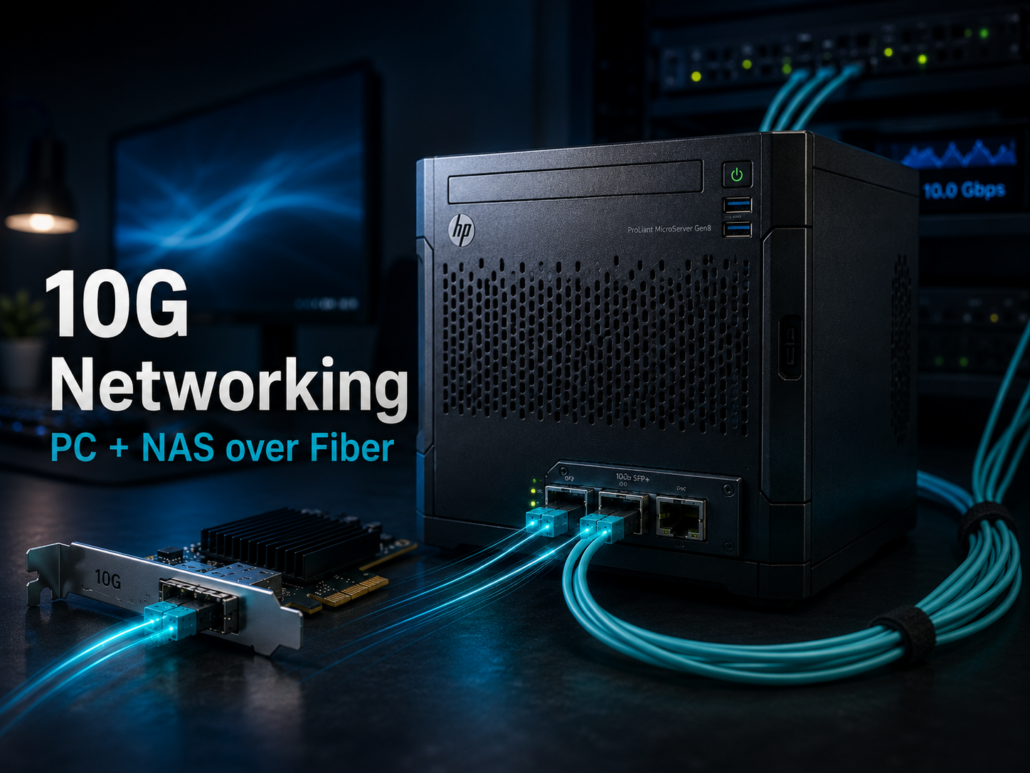
10G Home Network for PC and NAS: An affordable way to get started with fiber-optic technology
If you work with a NAS, an editing PC, or large amounts of data at home, classic Gigabit Ethernet quickly becomes a bottleneck. In my case, the PC and NAS were originally connected with 1 Gbit/s. That is perfectly fine for normal file storage, backups, and office data. But once large video files, project folders, or several hundred gigabytes are involved, 1Gbit becomes limiting very quickly.
In practice, 1Gbit Ethernet usually delivers around 110 MB/s. For large data sets, that is slow. A 100 GB project can take roughly 15 minutes or more to transfer. The goal was therefore a cost-effective upgrade to 10Gbit using fiber or SFP+.
Initial Situation
- NAS and PC were previously connected via 1Gbit/s.
- Practical data rate: around 110 MB/s.
- Large video and project files needed to move faster between PC and NAS.
- The upgrade had to remain affordable while also serving as an entry point into 10G-SFP+/fiber technology.
Goal of the Upgrade
The goal was a direct 10Gbit connection between the editing PC and the TrueNAS system using an affordable 10G-capable switch. The solution had to remain budget-friendly for a homelab while still delivering measurable real 10G performance.
Hardware Used
| Component | Description | Cost |
|---|---|---|
| 10G network cards | 2× Intel X520 PCIe 10G cards from 10Gtek | approx. €100 |
| SFP+ modules | 2× 10Gtek 10G SFP+ modules | approx. €29 |
| Switch | SODOLA SL-8T2XS-WEB | approx. €79 |
| Cable | OM4 fiber cable, 50 m | approx. €35 |
| Total | 10G link PC ↔ NAS | approx. €243 |
The Switch: SODOLA SL-8T2XS-WEB
The SODOLA SL-8T2XS-WEB is an affordable web-managed Layer 2 switch with eight 2.5G RJ45 ports and two 10G SFP+ ports. This makes it a useful small homelab switch when you want to connect a few multi-gigabit devices and add two fast SFP+ links.
| Feature | Specification |
|---|---|
| Model | SODOLA SL-8T2XS-WEB |
| Switch type | Web Managed Layer 2 |
| RJ45 ports | 8× 100M/1G/2.5G |
| SFP+ ports | 2× 10G SFP+ |
| VLAN | 802.1Q VLAN, tagged/untagged ports |
| Additional features | QoS, IGMP Snooping, port statistics, link aggregation depending on firmware |
| Layer 3 / Routing | No, it should be considered a Layer 2 switch |
Important: This switch is not a router and not a firewall. It can handle VLANs, trunks, and access ports. Routing between VLANs, firewall rules, DHCP, and NAT belong on a router or firewall, for example OPNsense.
Why SFP+ and Fiber?
10Gbit can also be done over copper. For my setup, however, SFP+ with fiber was the more attractive solution. SFP+ modules and fiber cables usually remain thermally more relaxed than 10GBASE-T modules over RJ45. Fiber is also electrically isolated and well suited if longer runs between rooms or floors are needed later.
For short homelab distances, 10G SFP+ modules and suitable fiber patch cables are more than enough. In this test, the PC and TrueNAS were connected via 10G SFP+ through the SODOLA switch.
Test Setup
| Area | Description |
|---|---|
| Client | Windows PC / editing PC |
| Server | TrueNAS SCALE |
| Network | 10G SFP+ via SODOLA SL-8T2XS-WEB |
| Measurement tools | iPerf3, CrystalDiskMark, SMB copy test, switch port counters, TrueNAS ethtool/ip |
Test Results
1. iPerf3: PC to TrueNAS
The first test checked the direction from the Windows PC to the TrueNAS system.
| Direction | Result |
|---|---|
| PC → TrueNAS | approx. 9.27–9.41 Gbit/s |
This means the 10G link was almost fully utilized in this direction.
2. iPerf3: TrueNAS to PC
In the opposite direction, a single TCP stream did not use the full bandwidth. With multiple parallel streams, however, the connection scaled cleanly.
| Direction | Streams | Result |
|---|---|---|
| TrueNAS → PC | 1 | approx. 1.3–1.7 Gbit/s |
| TrueNAS → PC | 4 | approx. 6.18 Gbit/s |
| TrueNAS → PC | 8 | approx. 9.49 Gbit/s |
The result shows that the physical 10G link is fast enough. The limitation with a single stream is more likely related to TCP, drivers, receive queues, or operating system behavior.
3. Bidirectional iPerf3 Test
In the bidirectional test, both directions were loaded at the same time.
| Direction | Result |
|---|---|
| PC → TrueNAS simultaneously | approx. 8.95–8.97 Gbit/s |
| TrueNAS → PC simultaneously | approx. 9.43–9.46 Gbit/s |
This means the connection was able to deliver nearly full-duplex 10G performance in the test. Under maximum load, TCP retransmits occurred, but there were no port errors on the switch. This points more toward buffer, TCP, or driver behavior under full load than toward a physical issue.
4. Switch Port Counters
After the load tests, the error counters of the SFP+ ports were checked.
| Port | Link | Send Errors | RX Errors | Assessment |
|---|---|---|---|---|
| Port 9 | 10Gbps Full | 0 | 0 | clean |
| Port 10 | 10Gbps Full | 0 | 0 | clean |
Even after high data volumes and bidirectional tests, the 10G ports remained error-free.
5. CrystalDiskMark on the Network Drive
A CrystalDiskMark test was also performed on the TrueNAS network drive.
| Test | Read | Write |
|---|---|---|
| SEQ1M Q8T1 | approx. 1068 MB/s | approx. 698 MB/s |
| SEQ128K Q32T1 | approx. 797 MB/s | approx. 599 MB/s |
| RND4K Q32T16 | approx. 72 MB/s | approx. 39 MB/s |
| RND4K Q1T1 | approx. 10.6 MB/s | approx. 8.5 MB/s |
For large video files and sequential transfers, the SEQ values are the most relevant. The achieved values are very solid for an affordable 10G homelab setup.
6. SMB Copy Test and SMB Multichannel
When copying from the NAS to the local NVMe SSD of the PC, the speed initially reached only around 279 MB/s. The analysis showed that SMB Multichannel was disabled on TrueNAS. After enabling it, real-world copy performance improved significantly.
| State | NAS → PC |
|---|---|
| SMB Multichannel disabled | approx. 279 MB/s |
| SMB Multichannel enabled | approx. 593 MB/s |
Windows then confirmed an active SMB Multichannel connection. This is an important point for practical use: the network hardware can deliver 10G, but SMB and operating system settings also decide how much of that performance actually arrives in daily use.
7. TrueNAS NIC Statistics
The network interface on TrueNAS was also checked. The relevant error counters remained clean.
| Counter | Result |
|---|---|
| RX errors | 0 |
| TX errors | 0 |
| RX CRC errors | 0 |
| RX frame errors | 0 |
| RX FIFO errors | 0 |
| RX missed errors | 0 |
| RX no buffer count | 0 |
This showed no signs of physical errors on the fiber link, SFP+ modules, or network card.
8. Temperature Under Load
During the load tests, the switch reported around 63 °C. For a compact and affordable 10G SFP+ switch under heavy load, this is warm but was not critical in the test. There were no link drops, no throttling, and no port errors.
What Did the Upgrade Deliver?
| Scenario | Speed |
|---|---|
| Before: 1Gbit NAS to PC | approx. 110 MB/s |
| After: SMB copy NAS to PC | approx. 593 MB/s |
| After: CrystalDiskMark read | up to approx. 1068 MB/s |
| After: iPerf3 net throughput | up to approx. 9.5 Gbit/s |
This significantly increased real-world copy performance compared to 1Gbit. Instead of around 110 MB/s, several hundred MB/s are now possible in daily use. Under optimal conditions, read speeds over the network drive can even reach around 1 GB/s.
Conclusion
The affordable entry into 10Gbit via SFP+ and fiber was worth it. For around €243, it was possible to build a fast connection between the PC and TrueNAS that reaches nearly full 10Gbit performance in iPerf3 and is also significantly faster than classic 1Gbit networking in real-world SMB transfers.
The SODOLA SL-8T2XS-WEB is not an enterprise core switch. The web interface is simple and the firmware feels budget-oriented. However, the raw switching performance in the test was convincing: the 10G ports remained error-free even under load.
Important: 10Gbit does not end when the fiber cable is plugged in. To achieve good real-world results, SMB, drivers, the operating system, NAS configuration, and storage performance also have to be configured properly. In this test, enabling SMB Multichannel on TrueNAS delivered a significant performance increase.
For homelab use, video editing, large file storage, and fast NAS access, this solution is very attractive from a price-performance perspective. Anyone who needs maximum stability, centralized management, and long-term vendor support should consider higher-end switches. But for an affordable entry into 10G SFP+, this setup delivers a strong result.
This article contains affiliate links. The price remains the same for you, and we receive a small commission for the recommendation.


Leave a Reply
Want to join the discussion?Feel free to contribute!